Admissions open: Weekly courses, Summer Camp, Winter Camp and school innovation programs.

+977 9801090638
Young Scientist logo
Arduino Certified Inspiration Lab · Grades 1–12

Turn curiosity into questions—and questions into working solutions.

A complete school innovation environment where students learn to observe closely, think critically, test ideas, learn from failure and solve problems through coding, electronics, robotics, science, IoT and engineering.

CuriosityAsk better questions
Critical ThinkingCompare evidence and choices
Problem SolvingDesign, test and improve

The proposed solution is aligned to the Arduino Education Inspiration Lab framework. Final co-branding or official lab recognition is subject to Arduino Education approval and authorized-partner requirements.
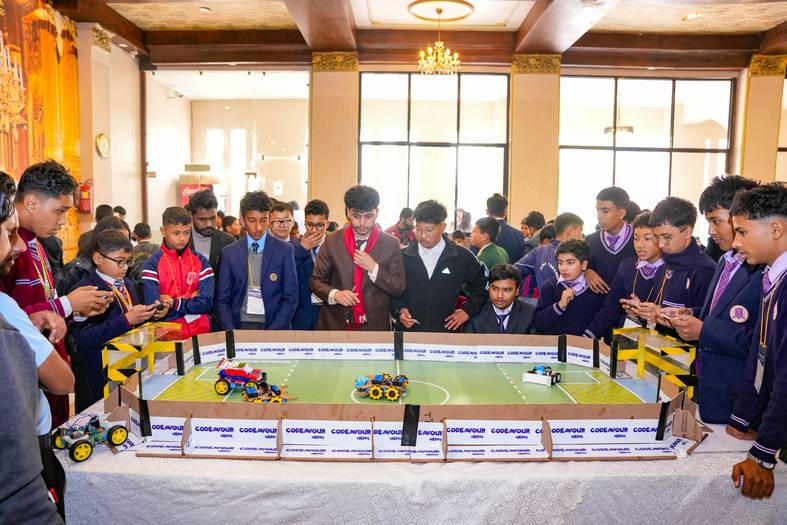
Students collaborating around a robotics challenge arena
From Grade 1 to Grade 12One progressive innovation journeyExplore → Build → Investigate → Engineer → Innovate
01

Curiosity starts the lesson.

Students begin with a real question, a surprising observation or a challenge worth exploring.

02

Thinking guides the build.

Learners predict, compare, reason and choose—not simply follow instructions.

03

Failure becomes useful evidence.

Every test helps students diagnose what happened and decide what to improve next.

04

Solutions connect to real life.

Projects address school, community, sustainability and everyday human needs.

More than a robotics room

A learning ecosystem designed for inquiry, invention and impact.

An Arduino Inspiration Lab is not a room full of boxes. It is a structured environment where tools, curriculum, space, teacher capability and student challenges work together.
  • Students investigate before they build.
  • Teams explain the reasoning behind every design choice.
  • Projects become progressively more open-ended across grades.
  • Teachers act as facilitators, coaches and project managers.
  • Every year ends with demonstrations, reflection and public showcase.
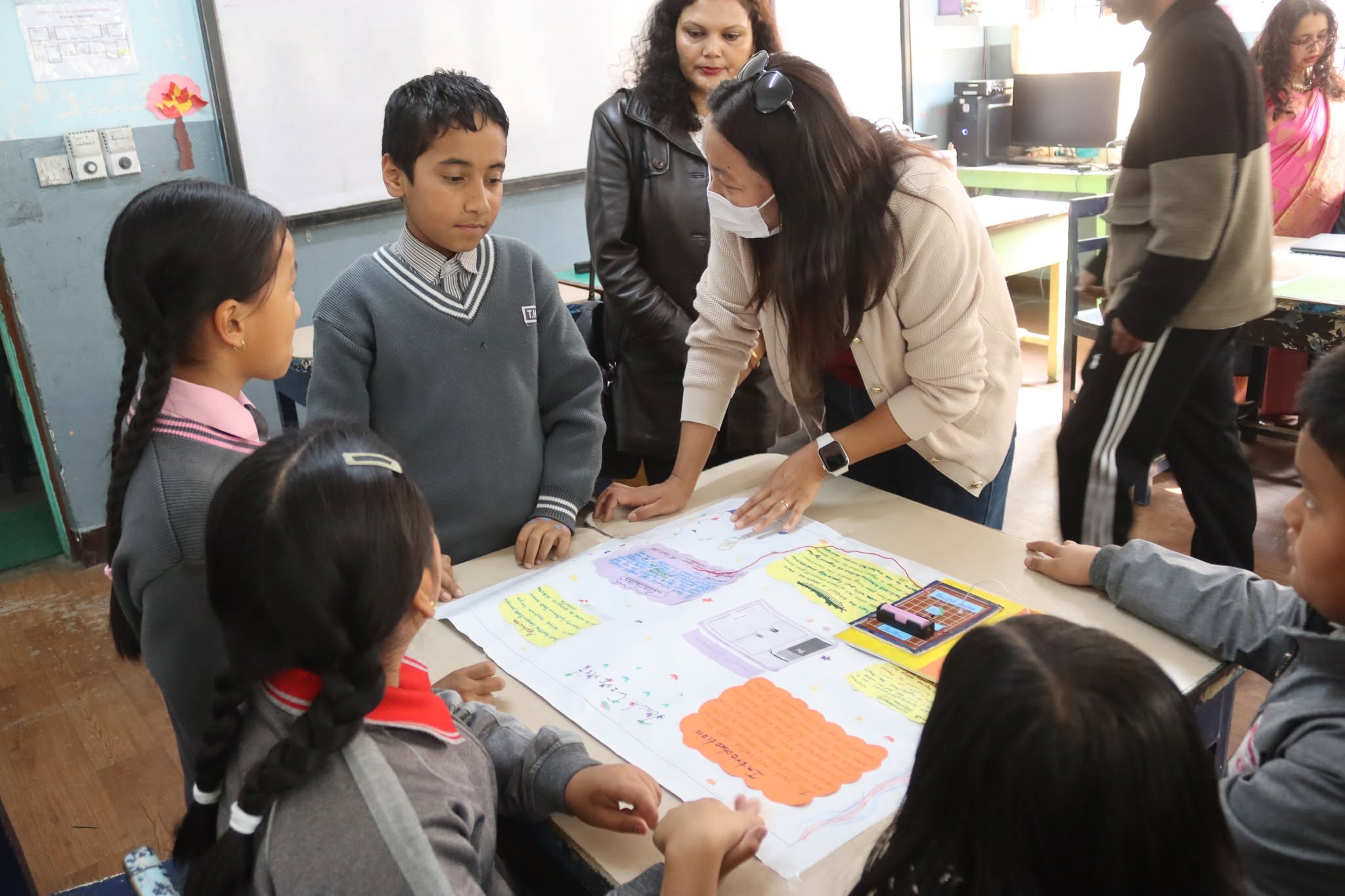
Mentor guiding students through project review
Designed around the learnerNot around the equipment
Grade 1–12 learning pathway

One lab. A different level of challenge at every stage.

The pathway grows from curiosity and cause-and-effect to data, connected systems, advanced engineering and student-led innovation.

Grades 1–2

Curious Explorers

Build confidence through sequencing, cause-and-effect, simple machines, patterns and teacher-guided robotics demonstrations.

Learning emphasis

  • Ask, observe and describe
  • Predict what will happen
  • Block-based logic and physical play
  • Shared Arduino Alvik demonstrations when appropriate
Example challengeMake a robot follow a safe path and explain why it turns.
Grades 3–5

Creative Builders

Move from guided exploration to hands-on robotics, sensors, measurement and simple design challenges.

Recommended ecosystem

  • Arduino Alvik robotics platform
  • Block coding to MicroPython bridge
  • Movement, color, line and distance sensing
  • Simple sustainability and school-life projects
Example challengeBuild a robot that sorts routes using color and distance clues.
Grades 6–8

Scientific Problem Solvers

Connect electronics, programming and scientific inquiry to measurable real-world questions.

Recommended kits

  • Arduino Student Kit
  • Arduino Education Starter Kit
  • Arduino Science Kit R3
  • Alvik advanced robotics challenges
Example challengeMeasure classroom conditions and recommend evidence-based improvements.
Grades 9–10

Connected-System Designers

Design systems that sense, communicate, automate and respond to community or environmental needs.

Recommended kits

  • CTC GO!
  • Plug and Make Kit
  • Arduino Greenhouse Kit
  • Explore IoT Kit and cloud dashboards
Example challengeCreate a smart greenhouse that protects plants while using water responsibly.
Grades 11–12

Engineering & Innovation Leaders

Apply engineering design, data, control systems, IoT and capstone methodology to complex open-ended challenges.

Recommended kits

  • Arduino Engineering Kit
  • Explore IoT Kit Rev2
  • PLC Starter Kit and industrial-control concepts
  • Advanced Greenhouse, smart city and robotics systems

Capstone expectations

  • Problem research and user interviews
  • Prototype architecture and testing plan
  • Data-supported design decisions
  • Public demonstration and project portfolio
Example challengeDevelop a connected system that improves safety, energy use, agriculture or accessibility.
Grade mapping is a recommended implementation pathway. Exact kit use should be confirmed after a school audit, teacher-readiness review and assessment of student age, curriculum and safety requirements.
Complete Arduino ecosystem

Kits selected for progression—not purchased as disconnected products.

Each kit supports a defined learning stage and remains part of the lab’s reusable project ecosystem.

Arduino Alvik
Robotics discovery

Arduino Alvik

Movement, sensing and progression from visual coding to text-based control.

Arduino Student Kit
Electronics foundations

Student Kit

Individual learning in circuits, coding and open-ended project creation.
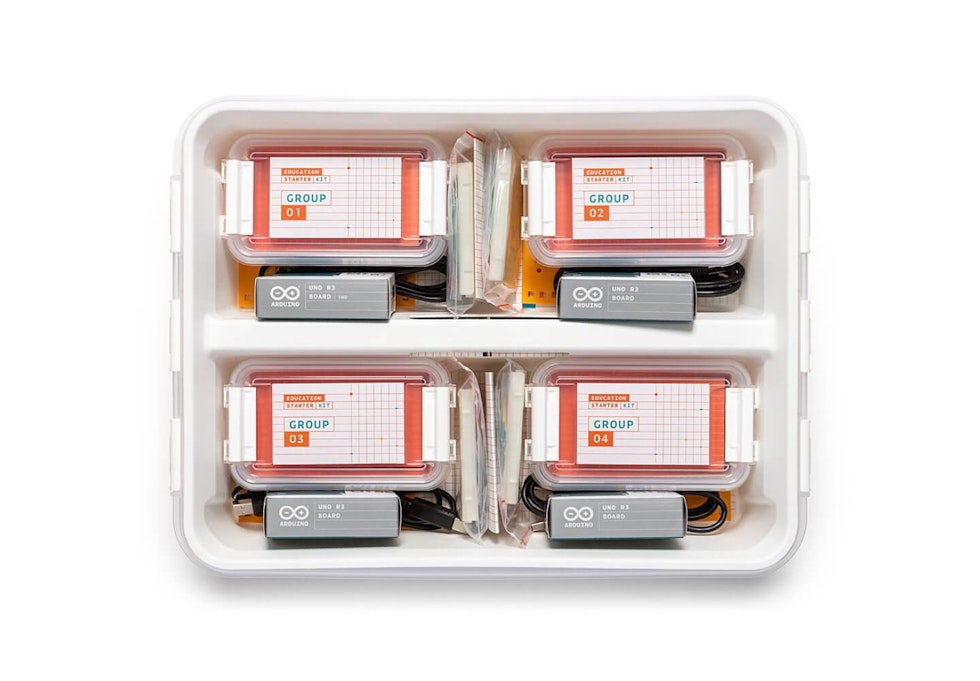
Arduino Education Starter Kit
Collaborative classroom

Education Starter Kit

Reusable hardware and structured lessons for small-group learning.

Arduino science and robotics project
Scientific inquiry

Science Kit R3

Measure phenomena, analyze data and explain evidence through physics investigations.

Arduino CTC GO
Creative technology

CTC GO!

High-school electronics and programming through structured invention challenges.
Arduino Plug and Make Kit
Rapid prototyping

Plug and Make Kit

Reduce wiring complexity and let students focus on ideas, logic and fast testing.

Student greenhouse project
IoT & sustainability

Greenhouse Kit

Monitor the environment, automate responses and investigate smart agriculture.
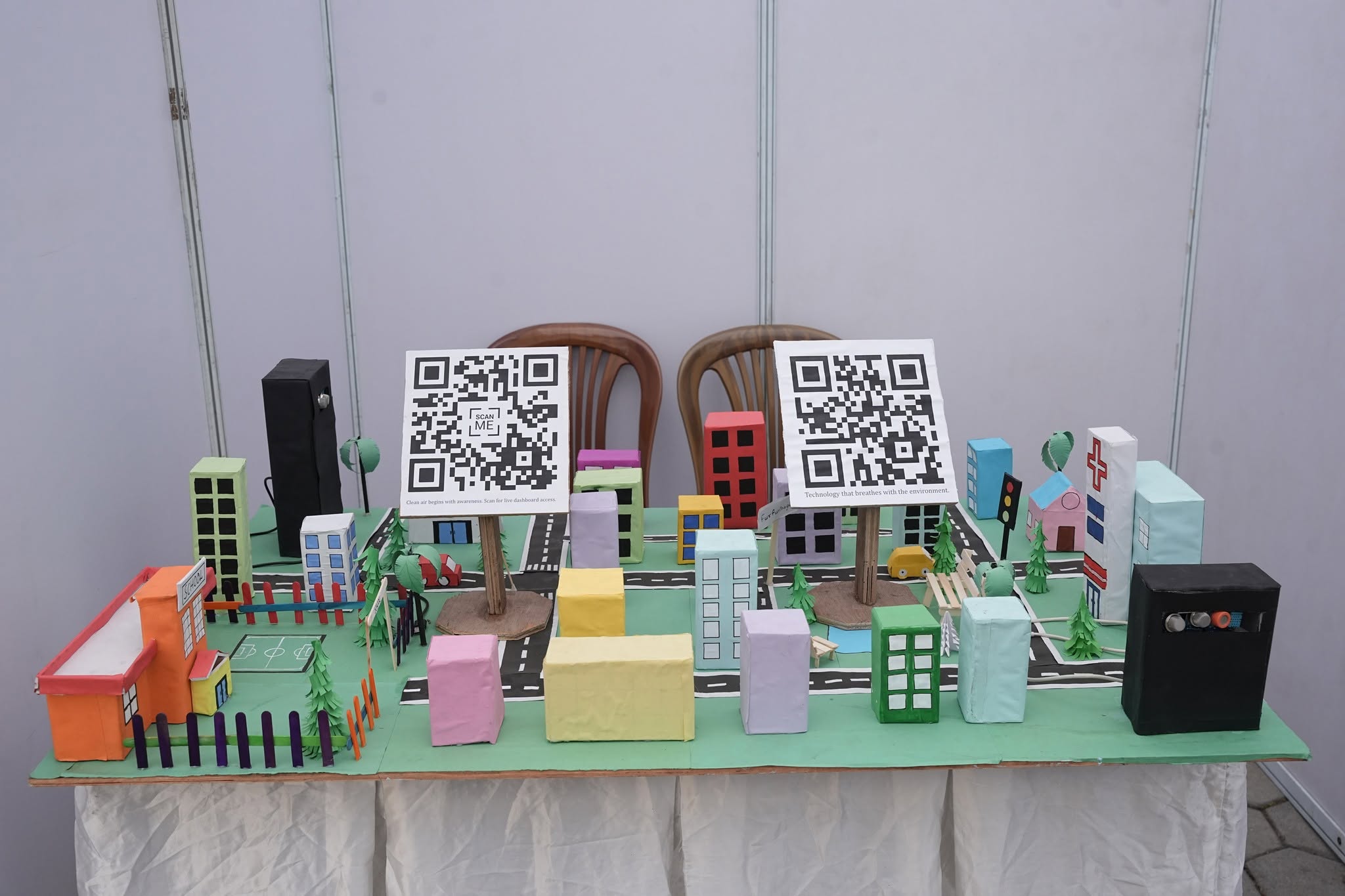
Smart city IoT project
Connected systems

Explore IoT Kit

Collect data, create dashboards and design connected solutions.

Arduino Engineering Kit
Advanced engineering

Engineering Kit

Apply modelling, controls and mechatronics to complex working systems.
Students learning advanced automation
Industrial automation

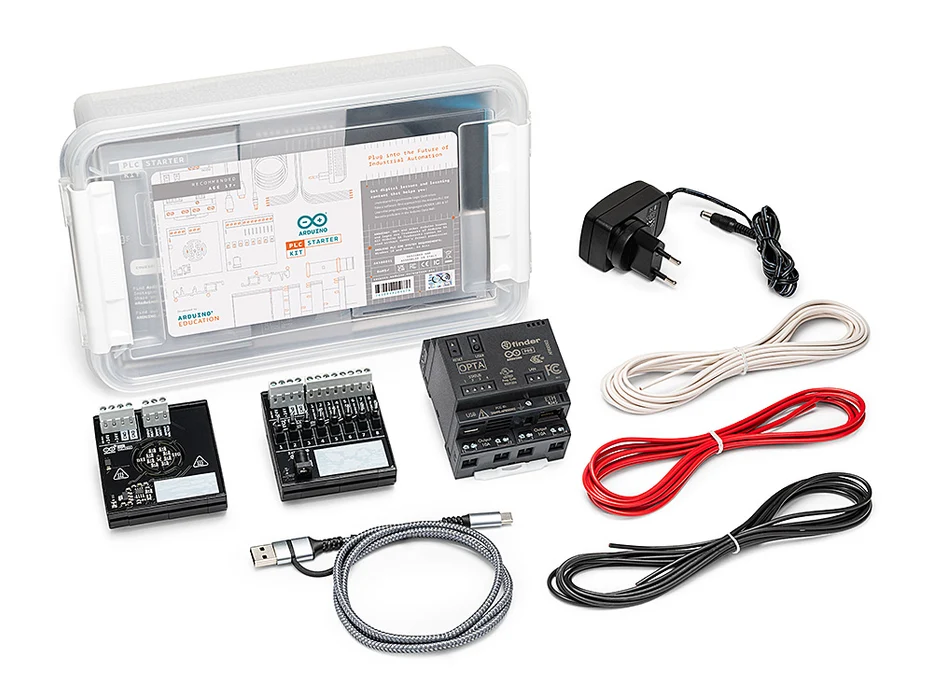
PLC Starter Kit

Introduce senior learners to programmable control, automation logic and industry-facing systems.
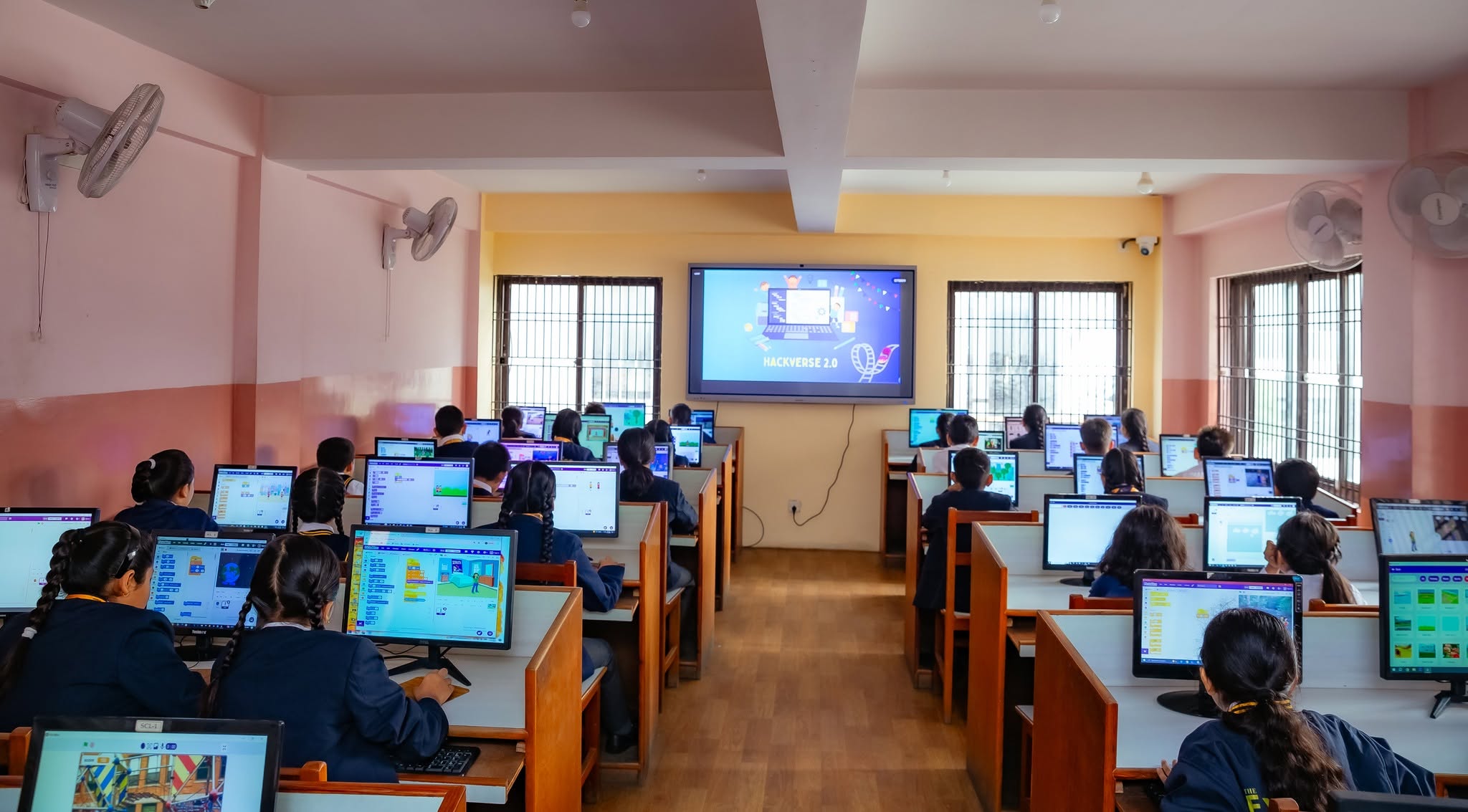
Technology lab with students
Ideate
Build
Test
Showcase
Lab design & infrastructure

A space that quietly teaches students how innovators work.

The room is planned around movement, collaboration, visibility, safety and fast access to tools—not rows of fixed computers.

Explore & Ideate ZoneWritable surfaces, challenge prompts, design-thinking templates and team discussion space.
Electronics & Prototyping ZoneDurable workbenches, protected power, tool access, component trays and anti-static practices.
Robotics Test ArenaOpen floor or table arena for navigation, line following, object interaction and competitions.
IoT & Data ZoneConnected devices, displays and dashboards for live data, automation and cloud projects.
Storage & Maintenance ZoneNumbered kits, labelled bins, charging area, repair station and issue-return workflow.
Showcase & Reflection ZoneProject display shelves, student stories, iteration notes and a presentation screen.
Wall decoration & learning identity

Every wall should invite a question, explain a process or celebrate an idea.

Young Scientist develops a coordinated blue-and-orange visual system aligned with the school brand and Arduino learning journey.

01

The Curiosity Wall

“What do you notice?”, “What might happen?” and rotating mystery challenges.

02

Design Thinking Cycle

Ask → Imagine → Plan → Build → Test → Improve → Share.

03

Arduino Ecosystem Wall

Boards, sensors, actuators, data flow and how code connects the physical world.

04

Problem-Solving Prompts

Diagnose, compare, isolate, test and document before asking for the answer.

05

SDG Challenge Wall

Water, energy, health, climate, cities, agriculture and inclusive design themes.

06

Young Innovator Gallery

Student prototypes, iteration stories, certificates and competition achievements.

07

Safety & Tool Use

Clear visual guidance for electricity, soldering, batteries, tools and shared responsibility.

08

Career & Possibility Map

How coding, electronics and design connect to science, engineering and entrepreneurship.

Teacher training & lab operation

A great lab needs confident teachers—not permanent dependence on outside trainers.

The implementation includes a structured teacher-readiness program so school educators can operate the lab, facilitate inquiry, maintain equipment and mentor projects.

Phase 1

Technical Foundations

Arduino boards, sensors, actuators, coding environments, cloud tools and troubleshooting.

Phase 2

Inquiry Facilitation

How to ask productive questions, resist giving answers too early and guide evidence-based reasoning.

Phase 3

Lab Management

Inventory, charging, component control, safety routines, maintenance and session preparation.

Phase 4

Project Mentoring

Challenge framing, design reviews, testing protocols, documentation and showcase preparation.

Recommended delivery: 30-hour initial implementation training, supported lesson rehearsals, launch mentoring and periodic refresher sessions.
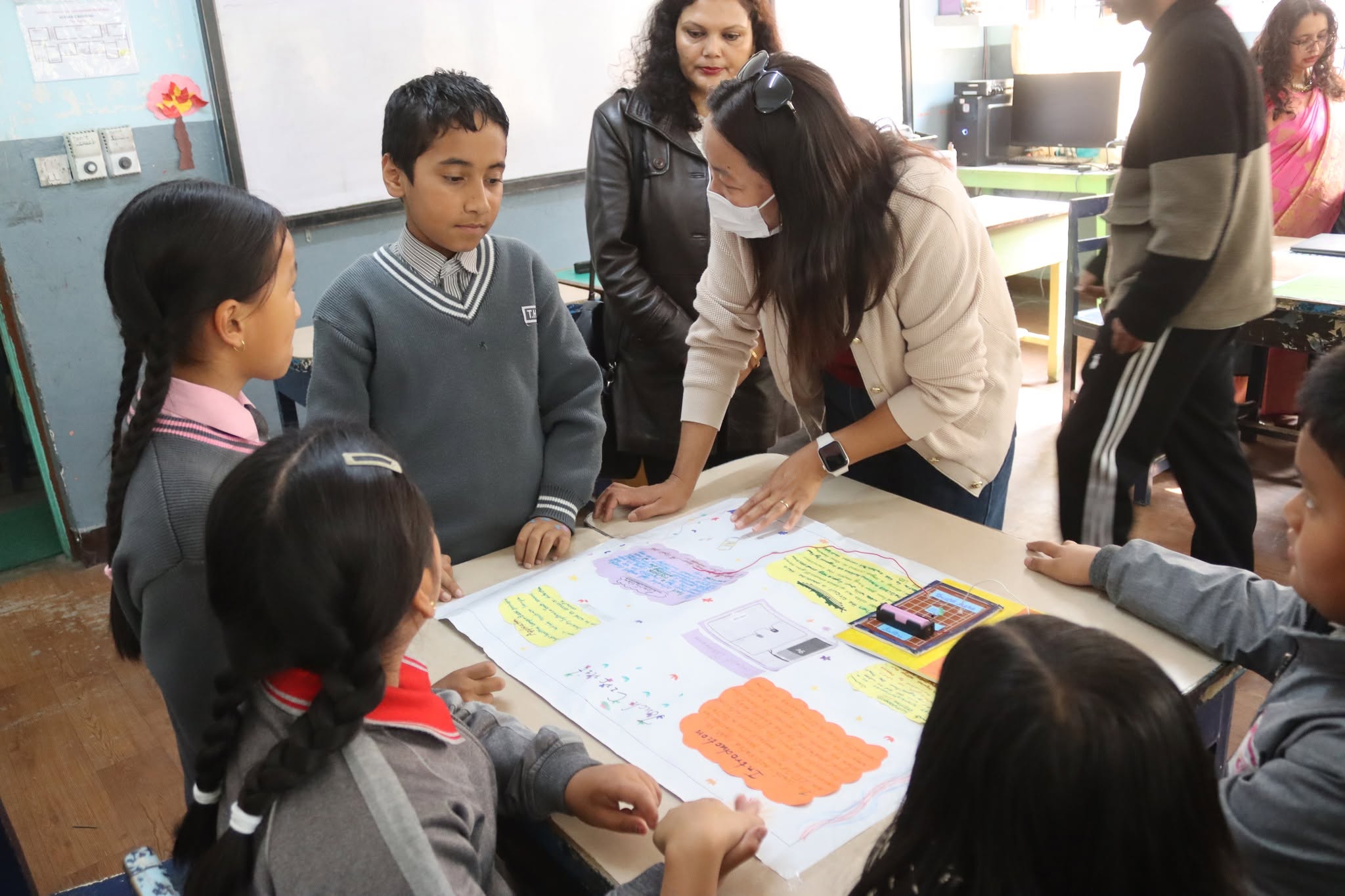
Teacher mentoring students during a project
Teacher roleFacilitator · Coach · Project manager · Safety leader
Curriculum, assessment & student evidence

Measure how students think—not only whether the circuit works.

The lab can be implemented as a weekly curriculum, club, project block, competition pathway or blended school program.

Annual learning plans

Grade-wise session plans with concepts, challenges, projects, reflections and extension tasks.

Design journals

Students document questions, predictions, diagrams, tests, failures, evidence and improvements.

Thinking-focused rubrics

Assessment of reasoning, collaboration, testing discipline, creativity and communication.

Project portfolios

Photos, code, data, videos and presentations that show growth over time.

Exhibitions & competitions

Internal demo days, parent showcases, innovation leagues and national participation pathways.

Certification pathways

Arduino learning and certification opportunities for eligible teachers and students.

Implementation roadmap

From empty room to an active innovation culture.

Dursikshya manages the complete setup so the school receives a functioning program—not only equipment delivery.

01

School Discovery

Goals, grades, timetable, room, teacher readiness and expected student capacity.

02

Design & BOQ

Room plan, kit mix, furniture, electrical points, storage, graphics and implementation scope.

03

Installation

Lab furnishing, equipment setup, labelling, safety systems, testing and handover.

04

Teacher Readiness

Technical training, curriculum practice, lab operation and project facilitation.

05

Student Launch

Orientation challenge, baseline assessment, first build and parent/school communication.

06

Ongoing Growth

Mentoring, maintenance, project reviews, exhibitions, competitions and annual upgrade planning.

Static Lab Scope Planner

See what your school’s lab could look like.

Share a few details. The scope planner will propose a starting lab model, grade pathway, recommended zones, teacher plan and rollout approach.

Checking AI connection…
This is an initial planning guide. Final kit quantities, infrastructure and certification status require an on-site audit and formal proposal.
Official framework reference

Part of a global movement toward hands-on learning.

Arduino Education describes Inspiration Labs as K–12 environments that can be customized to a school, supported with courses, certification opportunities, teacher training and professional development.

Explore Arduino Labs ↗
Plan your school lab

Give students a place where ideas are expected to become real.

Request a school audit and receive a customized lab concept, kit plan, interior scope, teacher-training plan and implementation proposal.

WhatsApp is opening with your enquiry. Review the message and tap Send.

This static form opens WhatsApp with your details. The website does not store your information.
Talk to Us